
Web Development

Search HubSpot CRM Records with the Search API: filterGroups, Operators, Sorting and Paging
Sooner or later every HubSpot integration needs to answer a question like "which deals over $5,000 closed this month?" or "which contacts from this company have no phone number?". Pulling...
HubSpot Form Events: Run Code on Form Ready and Submit with onFormSubmitted and hsFormCallback
Embedding a HubSpot form is the easy part. The real value comes when your page reacts to the form: firing a conversion event, swapping in a custom thank-you message, or...
HubSpot Cookie Banner API: Run Scripts Only After Visitors Consent
If your HubSpot site loads third-party scripts such as analytics, ad pixels or chat widgets, those scripts should respect what the visitor chose in the cookie banner. HubSpot's cookie banner...
Excerpts and Reading Time in HubSpot Blog Cards: HubL truncatehtml, striptags and wordcount
A blog listing is only as good as its cards. Broken HTML in an excerpt, a summary cut in the middle of a word, or a missing reading time all...
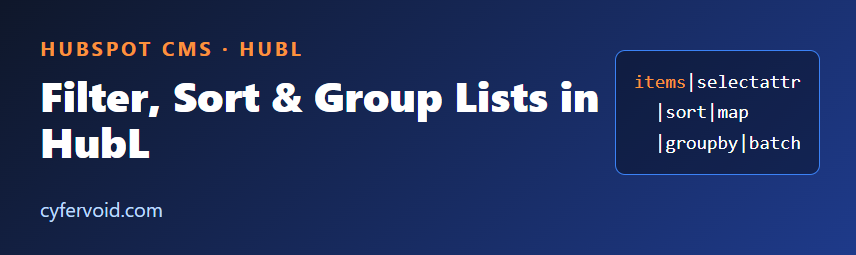
Filter, Sort and Group Lists in HubSpot CMS: HubL selectattr, map, sort and groupby
Sooner or later every HubSpot template has to deal with a list: HubDB rows, a repeater group in a custom module, blog posts, or a menu. The data rarely arrives...
Drag and Drop Areas in HubSpot CMS: Give Editors Flexible Layouts with HubL dnd_area
A rigid template makes every layout change a developer ticket. A fully open page lets editors break the design. Drag and drop areas sit in between: you decide where editors...
Custom 404 and 500 Pages in HubSpot CMS: Turn Dead Ends into Next Steps
Every site gets broken links: a mistyped URL, a deleted page, an old link in someone else's newsletter. What matters is what the visitor sees next. A bare "page not...
JSON-LD Structured Data in HubSpot CMS: Build Schema Markup with HubL and tojson
Structured data tells search engines what a page is about in a machine-readable way. The format Google recommends is JSON-LD: a small <script type="application/ld+json"> block that describes the page using...
Escape Output Safely in HubSpot CMS: Using HubL escape, escapejs, urlencode and tojson
Every HubL template eventually prints a value that someone else controls: a URL parameter, a text field filled in by an editor, a HubDB cell, a form value. If that...

Dates and Times in HubSpot CMS: Format Them Correctly with HubL format_datetime
Dates look simple until a visitor in another country sees an event at the wrong hour, or a blog card shows 1730764800000 instead of a readable date. HubL has built-in...
Show Latest Blog Posts on Any HubSpot Page with HubL blog_recent_posts
A common request on HubSpot sites: "show our three latest articles on the homepage." You do not need a third-party widget or a JavaScript call to the API. HubL can...

Tracking Single-Page Apps and Virtual Pages with the HubSpot Tracking Code (_hsq)
The HubSpot tracking code records a page view when the page loads. That is exactly what you want on a classic website, but a single-page application (SPA) changes the URL...
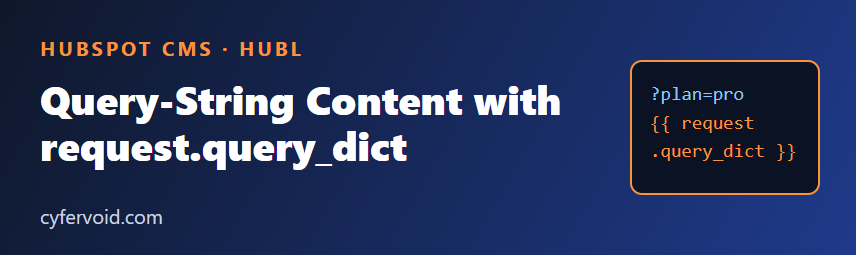
Query-String Content in HubSpot CMS: Read URL Parameters with HubL request.query_dict
Campaign links often carry extra information in the URL, such as ?plan=pro or ?utm_campaign=spring. HubL gives templates and modules access to that data through the request variable, so one page...
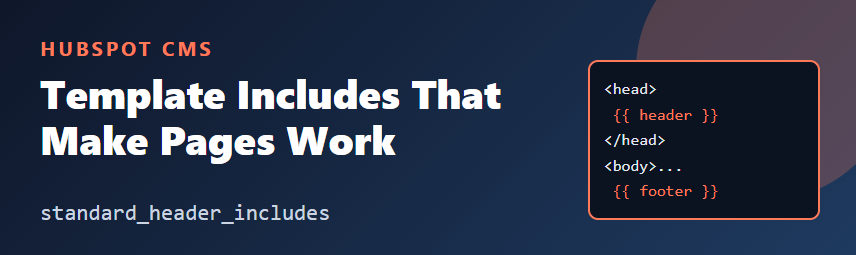
Required Includes in HubSpot CMS Templates: standard_header_includes and standard_footer_includes
If a custom HubSpot template renders fine in the editor but the page has no tracking, modules look unstyled, or a module script never runs, check the first thing HubSpot...
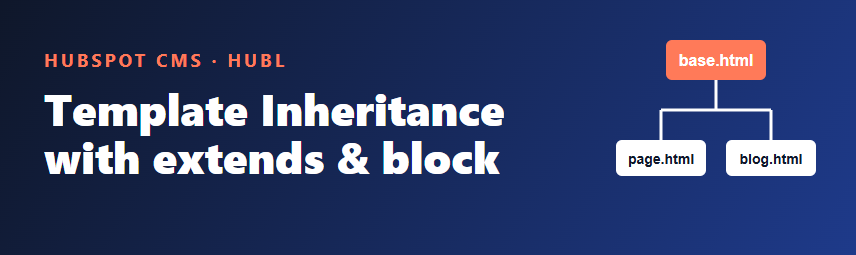
Template Inheritance in HubSpot CMS: Share One Layout with HubL extends and block
Every HubSpot theme eventually ends up with several templates (a landing page, a standard page, a blog post) that all repeat the same <head>, header and footer. Change the footer...
Navigation in HubSpot CMS: Build Custom Menus with the HubL menu() Function
Almost every HubSpot site needs a header menu, a footer menu or a sidebar list of links. HubSpot lets editors manage menus in Content > Navigation, and HubL gives developers...
Module CSS and JavaScript in HubSpot CMS: Scope Styles and Scripts Per Module
A HubSpot custom module is more than module.html. Each module can also ship its own module.css and module.js, so a component carries its styling and behavior with it. Used well,...

Local Development with the HubSpot CLI: Edit in Your Editor, Sync to the Design Manager
Editing templates and modules in the Design Manager works, but it has no Git history, no real code review and a limited editor. The HubSpot CLI (hs) lets you develop...
Repeater Groups in HubSpot Custom Modules: Flexible Components Editors Can't Break
Feature cards, FAQs, team members, logos: most marketing pages are lists of similar items. If you hardcode three cards into a module, every change becomes a developer ticket. If you...
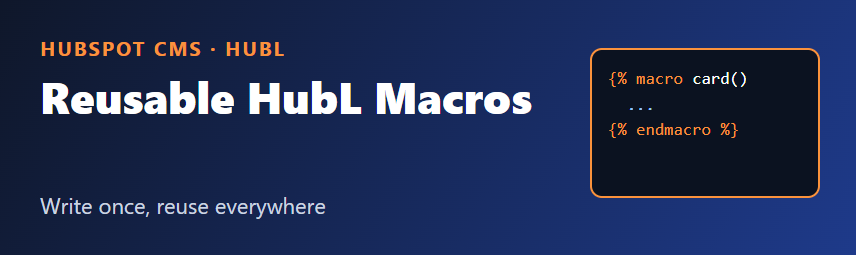
HubL Macros in HubSpot CMS: Reuse Template Code Without Copy-Paste
If you build HubSpot CMS themes, you have probably copied the same block of HubL into three templates: a card, a button, a list of tags. A copy-pasted snippet becomes...

Faster Images in HubSpot Templates: srcset, Lazy Loading and Layout Shift
Images are usually the heaviest part of a HubSpot page. Three habits fix most image problems: serve the right size, load off-screen images late, and reserve space so the page...
HubDB in HubSpot CMS: Build Data-Driven Pages Without Hardcoding Content
Hardcoding lists of team members, locations, events or products into HubSpot modules works until the third time someone asks you to "just add one more row". HubDB is HubSpot's built-in...
HubSpot Theme Fields vs Module Fields: Where Should Your Design Settings Live?
Every HubSpot CMS project eventually hits the same question: should this setting be a theme field or a module field? Pick wrong and marketers end up editing the same brand...

HubSpot Serverless Functions: Keep API Keys Out of the Browser
Sooner or later a HubSpot page needs data from an API that requires a secret: a private app token, a weather service key, an internal pricing endpoint. Putting that key...
Debugging HubL Templates: Practical Techniques for HubSpot CMS Developers
HubL renders on the server, so when a template misbehaves you cannot open browser dev tools and step through it. The output is simply wrong, or a section silently disappears....

Custom HubSpot Properties That Scale: A Practical Naming and Governance Guide
Custom properties are the backbone of a HubSpot portal. They power segmentation, reporting, workflows and integrations. They are also the first thing to turn into a mess. Here is a...

Handling HubSpot API Rate Limits in Node.js: Retries, Backoff and Batching
Sooner or later every HubSpot integration hits the same wall: a sync job that worked perfectly in testing starts returning 429 Too Many Requests in production. The fix is rarely...

How to Verify HubSpot Webhook Requests with Signature v3 (Node.js Example)
If your application receives requests from HubSpot, such as webhook notifications or app callbacks, your endpoint is a public URL. Anyone can send it a POST request. Signature validation is...
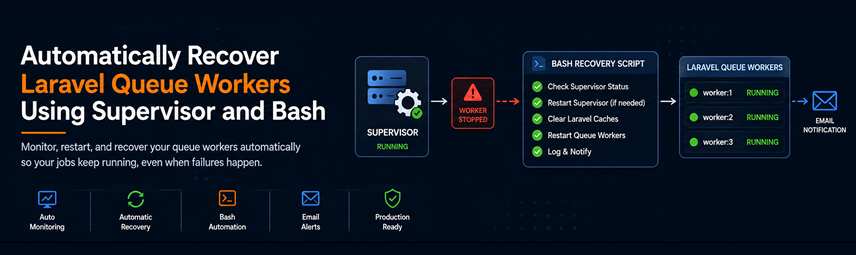
How We Automatically Recover Laravel Queue Workers Using Supervisor and Bash
Laravel queues are one of the most powerful tools available for handling background jobs.From sending emails and processing imports to synchronizing third-party APIs, queues help keep applications responsive while moving...
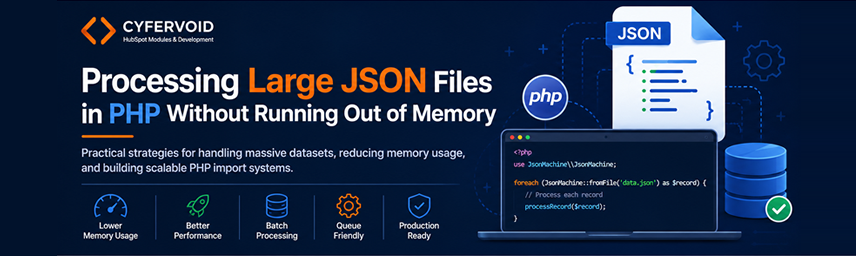
Processing Large JSON Files in PHP Without Running Out of Memory
Working with JSON files is common in modern PHP applications. Whether you're importing product catalogs, syncing organization records, processing API exports, or migrating data between systems, JSON is often the...
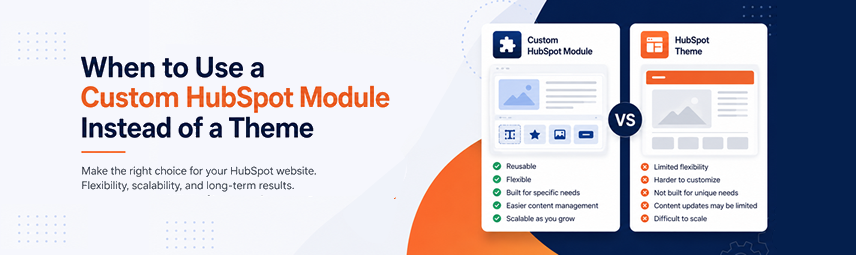
What We Learned Building HubSpot Modules for Real Businesses
HubSpot themes have made website development significantly easier. They provide pre-built templates, styling options, and reusable layouts that allow businesses to launch websites quickly.However, as websites grow and marketing requirements...

Python for Absolute Beginners: A Step-by-Step Guide
Python is one of the most popular programming languages today, known for its simplicity and readability. Whether you want to develop web applications, automate tasks, or dive into data science,...

Mastering HubSpot CMS Hub: A Comprehensive Guide to Custom Modules
Dive into the world of HubSpot CMS Hub with our step-by-step tutorial on creating custom modules. Transform your website’s capabilities and offer personalized experiences using HubSpot's powerful development tools. Ideal...

Exploring Micro-Frontends: The Future of Scalable Web Development
Micro-frontends are reshaping web development by allowing teams to scale projects efficiently while maintaining modularity. This article delves into the advantages and implementation of micro-frontends, empowering developers to create scalable,...

How to create a custom order status in woocommerce!
Woocommerce has 7 order statuses the moment you install it in your wordpress website(pending, failed, on-hold, cancelled, refunded and completed). These statuses are enough for an ecommerce website’s order processes...

How to display a custom product attributes in magento’s transactional email
For a brief information, transactional email is an email that is sent to an individual recipient following a commercial transaction or specific action performed by that person. And now you...

How to install phpPgAdmin
phpPgAdmin is a database administration tool dedicated for PostgreSQL, much like phpmyadmin for mySQL. It’s a great tool which will help you manage your database without installing other client app...

Woocommerce Update User Profile with Upload Photo
Woocommerce allows customers to update their profile information but updating their user profile photo is not included. This post will add that feature to your woocommerce website!Just add these code...
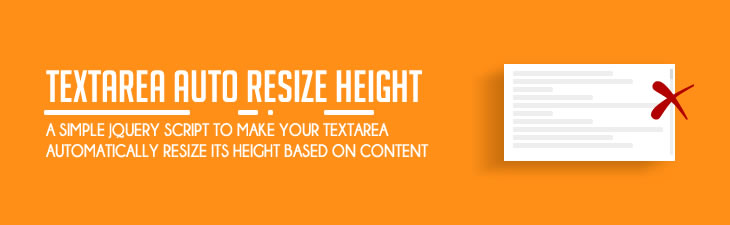
Create an auto height textarea using jQuery
Good UX for website form is one of the key factor to increase the conversion rate of the website. One of it is by making your form minimal or making...

How to create a virtual page in wordpress
There's a lot of ways to create a virtual page in wordpress. And this one would be the simplest method to achieve it.Just add this in functions.php from the theme...

Adding product type column in manage categories in category product tab
Magento is one of popular the platform for ecommerce, packed with features that the sellers need. But even with all of its features to offer, some clients can always come...

Woocommerce product is not purchasable
This issue often to happen when you add a product programmatically. Probably the third party api source where the product are coming, have an empty price.To fix it, you just...

Laravel FormRequest Custom Validation Response
Laravel's FormRequest validation was very ideal on building a restAPI, as you can customize how or what you wanted it to response.Here's how you can customize the response of it.Here...

How to pass the iterated data inside the for loop of Hubspot's HUBL.
Hubspot has become one of the popular platform to consider for building your website. And if you've been using it for awhile in developing themes or module, you might have...

How to permanently add ssh keys in windows system
If you frequently use a git repository and find yourself typing "eval ssh-agent" and "ssh-add" every time you pull or push, you may be wondering if there is a way...

Create Email Template with Background Image
Email marketing today sounds old but it's still worthy. The development of an email template limiting us, because coding it in the modern way was not recommended as it won't...

Passing variables to get_template_part
This is about how to pass variables inside the file being used from get_template_parts function of wordpress. There are other ways to pass it and the common was making a...

How to enable session in lumen 5.4
You can just use the laravel but you choose lumen simply because the app you're about to build only needs a minimal features but the problem is, the session has...